

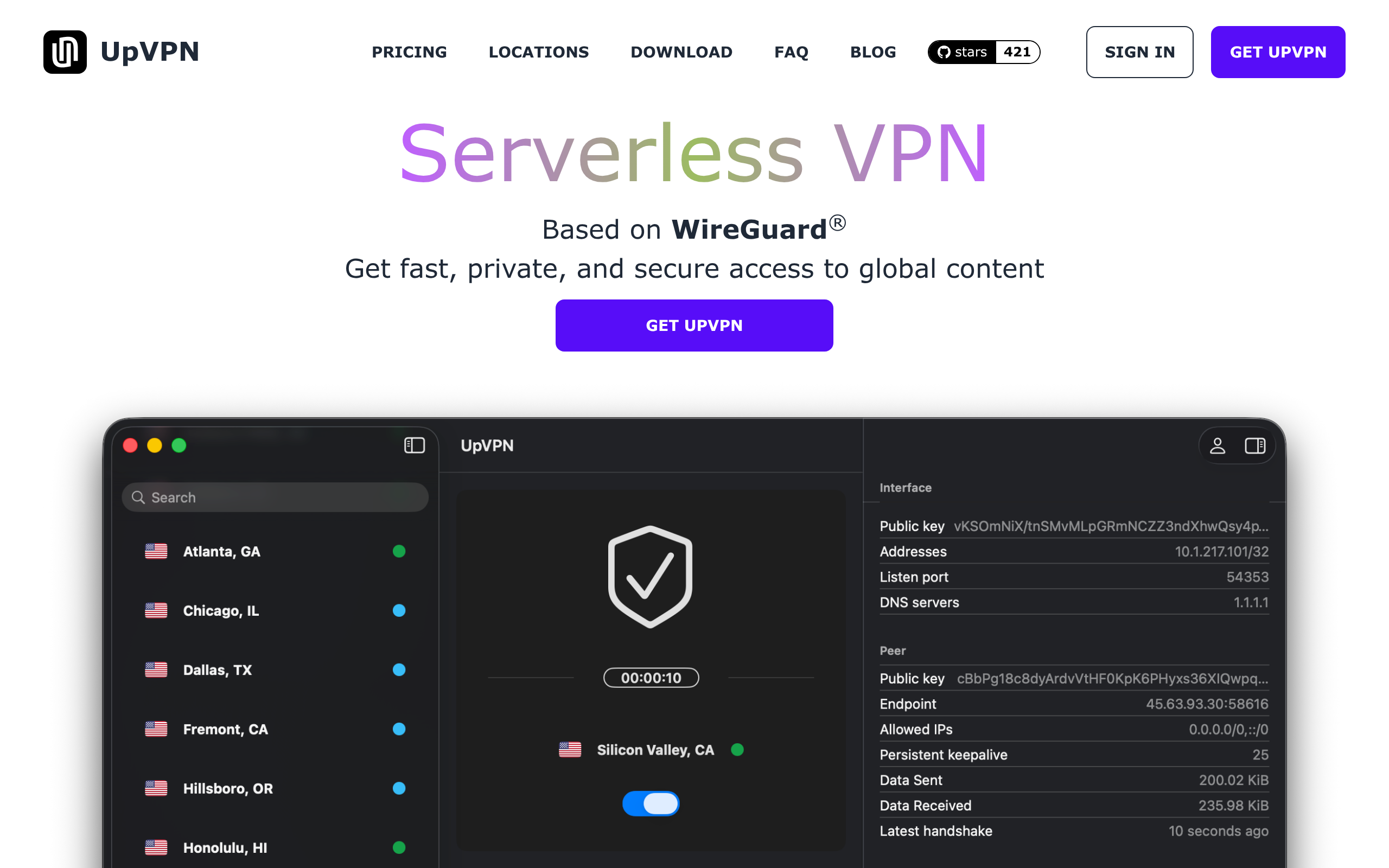
Description
UpVPN is a modern VPN service built on a serverless architecture using the WireGuard protocol. Instead of maintaining a pool of idle servers, UpVPN provisions a VPN server on-demand when you connect and tears it down when you disconnect — giving each session a fresh server and IP address.
How It Works
- Warm locations have server capacity readily available, enabling connections within seconds.
- Cold locations are fully serverless — a brand-new server is provisioned when you connect (typically ready in 40–70 seconds), ensuring a clean IP every time.
Key Features
- WireGuard-based — Uses the modern, high-performance WireGuard protocol with state-of-the-art cryptography.
- No traffic logging — UpVPN does not log or track your network traffic on its cloud servers.
- Open-source apps — All desktop and mobile apps are open-source from day one for full transparency.
- Cross-platform — Native apps for iOS, iPadOS, macOS, Android, Windows, Linux, tvOS, Amazon Fire TV, Raspberry Pi, and ChromeOS.
- CLI tool — Manage VPN sessions directly from the terminal with the
upvpncommand-line interface. - Web Devices — Use any WireGuard-compatible client and manage sessions from the UpVPN dashboard. Download config files or scan QR codes.
- Privacy controls — VPN session usage records are auto-deleted after 1 day (yearly plan) or 1 month (pay-as-you-go). Manual deletion is available at any time.
Use Cases
- Privacy & security — Encrypt your internet traffic and hide your IP address from websites and ISPs.
- Bypass geo-restrictions — Access global content by connecting to servers in available locations worldwide.
- Terminal-friendly — Developers and power users can seamlessly manage VPN sessions via the CLI without leaving the terminal.
Highlights
Pros
- Serverless architecture provisions VPN servers on-demand when you connect and deprovisions them when you disconnect, giving a fresh IP each time in cold locations.
- All desktop and mobile apps are open-source (GPL-3.0) with 421 GitHub stars, allowing independent code verification and community contributions.
- Built on the modern WireGuard protocol using state-of-the-art cryptography for fast, secure, and efficient VPN connections.
- Dedicated CLI tool lets users manage VPN sessions directly from the terminal with a single command, ideal for developers and power users.
- Supports unlimited devices on a single account with native apps across 9 platforms including macOS, Windows, Linux, iOS, Android, tvOS, and Raspberry Pi OS.
- No network traffic logging — VPN session records auto-delete after 1 day (yearly plan) or 1 month (pay-as-you-go plan), and users can manually delete data at any time.
Cons
- Some users have reported installation errors on desktop platforms, impacting the initial setup experience.
- DNS settings are locked to Cloudflare 1.1.1.1 on app devices and cannot be customized within the native app.
- Launched in 2023, the service has limited third-party reviews and a smaller user community compared to long-established competitors.
- Cold serverless locations take 40–70 seconds to provision a new server on first connect, which is slower than traditional always-on VPN servers.
- Server network is relatively small with 59 locations across 27 countries, significantly fewer than established VPN providers.